
What are the different types of video recording rule notifications?
Notice: For Canadian Dealers, text based notifications to Bell subscribers will be degraded on December 31, 2025, due to changes in how Bell handles messaging. For phones with Bell, it is recommended to set up Push Notifications. For more information about configuring push devices and notifications, see Configure mobile push notification devices. For more information about the Bell SMS/MMS notification sunset, see Bell text messaging notification sunset.
There are three types of notifications that can be sent when a camera records a video clip. They each have different levels of interactivity, so choosing the correct notification depends on the user's needs. For more information about creating a recording rule, see Create/edit a video recording rule.
Note: Some carriers may have restrictions that prevent Alarm.com from delivering SMS notifications or limit the ability to attach video clips to messages. The use of video features may also incur data charges by your cellular provider. For more information about SMS limitation see Customer is not receiving notifications.
Recording Rule
Text only
Text-only recording rule notifications send a text message to the selected device stating that a new video clip was recorded after the clip is uploaded.
Note: Video Analytics text-only notifications send a notification at the time of detection. When the user opens the notification, it sends them to the live video page because the clip has not yet been recorded.
Email example:
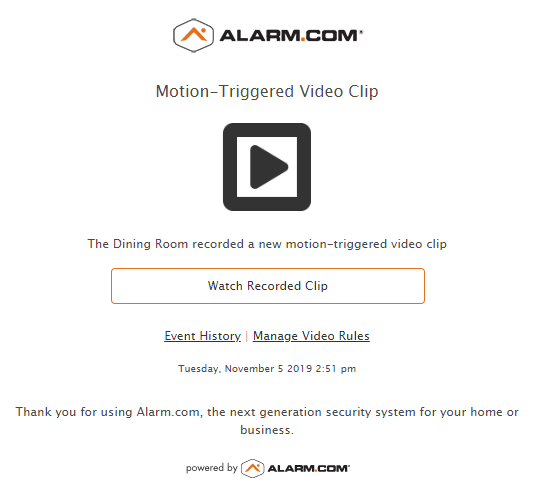
SMS example:

Push example:

Attach a Thumbnail
Note: Video Analytics attach a thumbnail notifications send a notification at the time of detection. When the user opens the notification, it sends them to the live video page because the clip has not yet been recorded.
Attach a Thumbnail recording rule notifications send a multimedia message to the selected device with a thumbnail image of the object that was recorded after the clip is uploaded.
Note: The link to the video is only available to Verizon and T-Mobile users for 72 hours. If the link expires, use the Alarm.com app to view the video clip.
Email example:

SMS example:

Push example:

Note: A thumbnail image will only display in a push notification if the user is logged into the Alarm.com app.
After a long press:

Attach a Video Clip
This option, Video Analytics included, sends the recorded clip as a video directly to the user through email or MMS. This notification is sent after the clip is uploaded.
Note: The link to the video is only available to Verizon and T-Mobile users for 72 hours. If the link expires, use the Alarm.com app to view the video clip.
Email example:
Note: Email notifications include the video clip as an attachment, not an embedded clip.
MMS example:
