| Device Image |
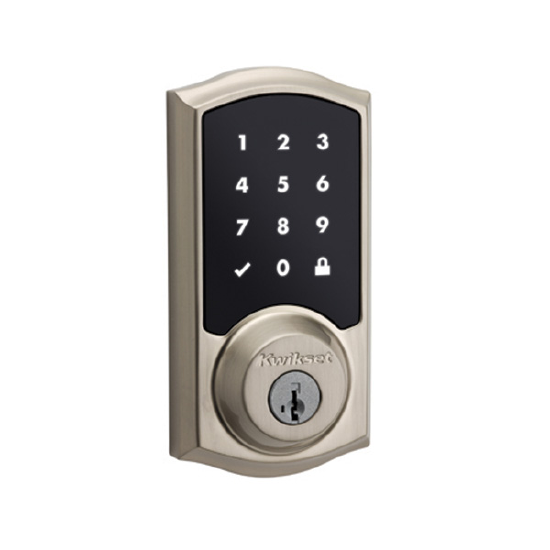 |
| Manufacturer |
Kwikset |
| User Code Limit |
30 |
| Digits in User Code |
4 to 8 |
| S2 |
No |
| Keypad Layout |
1 digit per button |
| Auto Re-lock Option |
Yes |
| Mate Button Location |
The Z-Wave Mate button is the A button, which is found directly above the black program button after removing the cover. |
| Removable Z-Wave Card |
Yes, under back cover on rim in front of battery cartridge. |
| Factory Reset Method |
- Remove battery pack.
- Press and hold the program button on the back of the lock while reinserting the battery pack.
- Keep holding the button for 30 seconds until the lock beeps and the status LED flashes red.
- Press the Program button once more. The status LED will flash green and red several times.
- After a few seconds, the lock will initiate the door handing process, and the latch bolt will extend and retract to learn the orientation of the door.
- Perform the Inclusion process again to add the lock back into your network and controller.
|
| Handing Process |
Handing process should happen automatically on this model when batteries first installed. If it fails, or is incorrect, follow factory reset instructions above. |

