Customer notification examples
The following are examples of the various notifications a customer can receive. For more information about how to configure notifications, see Notifications.
Select any of the following notifications to view examples.
Alarm
The system reports an alarm.
Alarm
Email example:

SMS example:

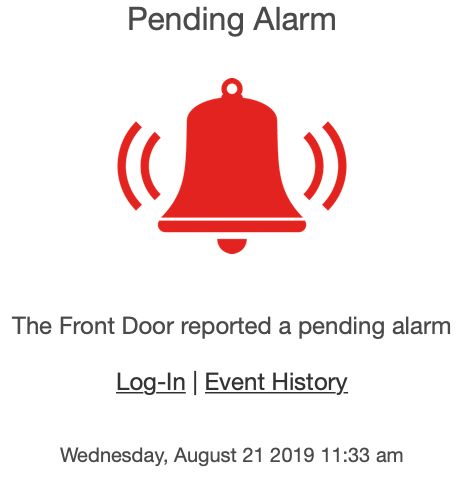
Alarm Pending
Email example:
SMS example:

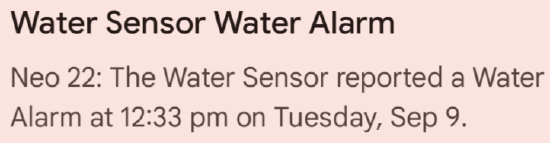
Water Alarm
Water Alarms are sent based on a Water-based Alarm group.
Email example:

Push notification example:
Flood/Freeze/Extreme Temperature Alarm
Flood/Freeze/Extreme Temperature Alarms are sent based on panel type, sensor group, and make/model of the sensor.
Email example:

Push notification example:

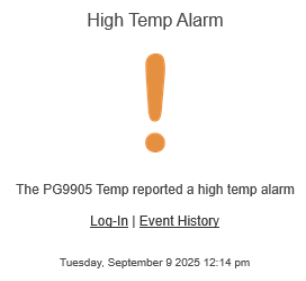
High Temperature Alarm
Temperature Alarms are triggered by the DSC PG9905 using the specified groups that would trigger alarms on the specific panel. For more information, see Set us temperature monitoring using DSC Temperature Sensors PG9905.
Email example:
Push notification example:

Arming Event
The system is armed or disarmed by a given user.
Note: Systems with multiple partitions can select which partitions to be notified of and the name of the specified partition will display in the notification. For more information about changing partition names, see Change the name of a system partition.
Arm Away
Email example:

SMS example:

Arming Failure
Email example:

SMS example:

Arm Stay
Email example:

SMS example:

Disarm Remote
Email example:

SMS example:

Disarmed User
Email example:

SMS example:
.png?revision=1&size=bestfit&width=480&height=84)
Arming Supervision
The system is not armed by the time everyone has left the property.
Arming Reminder
Email example:

SMS example:

Disarming Supervision/No-Show Alert
The system has not been disarmed by a given user within a specified time frame.
No-Show Alert
Email example:

Lock Activity
Receive notifications when any lock is locked or unlocked.
Door Locked by User
Email example:

SMS example:

Garage or Lock Could Not Be Secured
Email example:

SMS example:

Door Unlocked by User
Email example:

SMS example:

Lock Left Unlocked
Receive an alert when your lock is left unlocked.
Lock Left Unlocked
Email example:

SMS example:

Sensor Activity
Receive a notification when a door, window, or cabinet opens, or motion is detected.
Sensor Activity Closed
Important: Sensor Activity Closed or Occupied notifications are only available when the service package includes Wellness.
Email example:

Sensor Activity Open
Email example:

SMS example:

Sensor Bypassed
Email example:

SMS example:

Sensor Bypass Restoral
Email example:

SMS example:

Sensor Left Open
Receive a notification when a door, window, or cabinet is left open.
Sensor Left Open
Email example:

SMS example:

System Event
Get notified of important security and property management concerns, such as low battery and malfunctioning alerts.
Device Back Online
Email example:

SMS example:

Device Malfunction
Email example:

SMS example:

Failed Login
Email example:

SMS example:

Low Battery
Email example:

SMS example:

Panel Communication Restored
Email example:

Panel Not Responding
Email example:

Panel Programmed
Email example:

SMS example:

Power Failure
Email example:

SMS example:

Power Restored
Email example:

SMS example:

Successful Web Login
Email example:

SMS example:

Tamper
Email example:

SMS example:

User Code Change (Primary User)
Email example:

Video Upload Limit
Email examples
50% of Video Upload Limit

90% of Upload Limit

100% of Upload Limit

Monthly Video Quota Cleared

Camera Not Responding
Email example:

SMS example:

Camera Restoral
Email example:

SMS example:

Open/Close Event
Receive an alert when a business hours-related event occurs. This includes Off hours open, Early close, Not open on time, and more.
Note: Open and close events are based on the business hours set for the system. For more information about how to set business hours, see Configure Commercial Business Hours.
Closed Early
Email example:

SMS example:

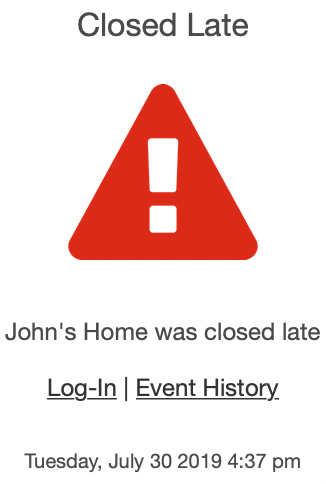
Closed Late
Email example:
SMS example:

Closed On Time
Email example:

SMS example:

Closed Unexpectedly
Email example:

SMS example:

Not Closed on Time
Email example:

SMS example:

Not Opened on Time
Email example:

SMS example:

Opened Late
Email example:

SMS example:

Opened on Time
Email example:

SMS example:

Opened Unexpectedly
Email example:

SMS example:

Temperature Alert
Notifies you if a device detects a temperature above or below a certain threshold.
High Temp Alert
Email example:

SMS example:

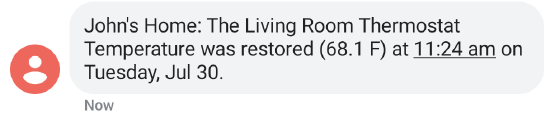
High Temp Restoral
Email example:

SMS example:
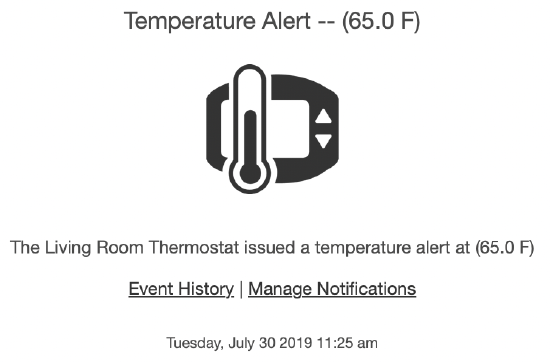
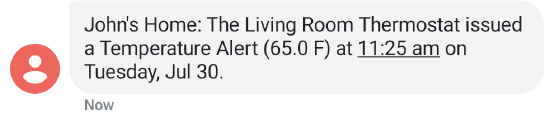
Low Temp Alert
Email example:
SMS example:
Low Temp Restoral
Email example:

SMS example:

Target Temp Change
Email example:

SMS example:

Thermostat Alert
Stay informed of changes to the thermostat by someone in the home or through the mobile app.
Fan Mode Change
Email example:

SMS example:

Thermostat Mode Change
Email example:

SMS example:

Unexpected Activity
Receive an alert if system activity occurs that seems out of the ordinary.
Unexpected Activity
Email example:

Note: 30 days of system use is required before Unexpected Activity notifications become available. Once they are available, the user will receive an email with more information about using and managing Unexpected Activity notifications.

High Activity
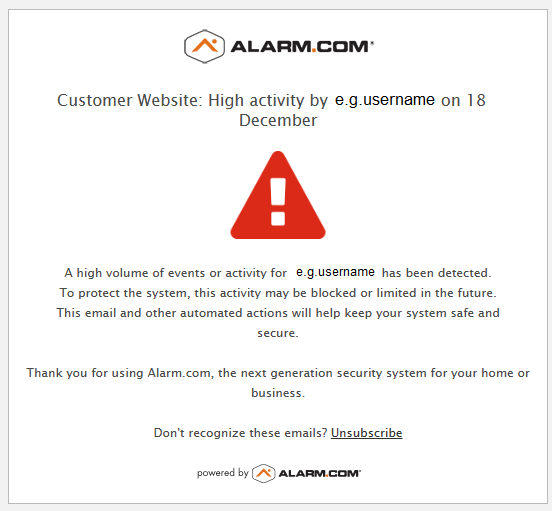
Alarm.com will send an email notification when a login is observed to have an unusual amount of high activity relative to a typical user. The email is sent to the e-mail address associated with the login in question, as well as the e-mail of the account owner (the primary login).
The purpose of the high activity notification is to alert users to ensure account security and to prevent unauthorized access or potentially malicious activity.
Email example: