
Smart Irrigation Control Overview
Provide Smart Irrigation Control
Your customers can now enjoy increased awareness and control over their home’s water consumption with irrigation system integration powered by Alarm.com.
Integrated smart sprinkler systems are simple to install or retrofit, and provide you another way to offer the most connected Smart Home experience.
With increasing water conservation regulations and homeowner desire to reduce water bills, the smart irrigation market is growing. As part of an integrated Alarm.com system, irrigation control enables you to offer your customers an even more differentiated solution.
Note: It is required to use the Alarm.com app to view Irrigation details. Irrigation is not yet available on the Alarm.com customer website.
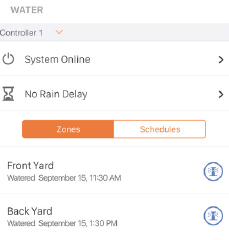
With smart sprinkler control, your customers can:
Instantly Take Control from Anywhere
Turn sprinkler systems on and off or pause schedules directly from the Alarm.com app.
View Status On-Demand
Check the Alarm.com app to view the status of a sprinkler system and ensure set schedules run on time.
Choose Where to Water
Target specific areas of your yard for extra irrigation on demand.
Save Water and Money
Ensure scheduled watering is delayed or does not occur during rain events.
Smart Irrigation Devices
Rachio Smart Sprinkler Controller
Versions compatible:
All generations

Rain Bird Irrigation Controller
Versions compatible:
- ESP-TM2 with LNK Wi-Fi Module
- Available in 4, 6, 8, and 12-station (zone) modes
- ESP-Me or ESP-ME3 with LNK Wi-Fi Module*
- Supports 4 stations (zones) by default; station modules can be added to support up to 22 stations (zones)

*Compatible ESP-Me’s shipped after November 2, 2016, will have the LNK Ready icon on the panel. If the controller does not have the LNK Ready icon, the panel can be swapped out for a newer version without re-wiring the controller.
Hunter Hydrawise Irrigation Controller
Versions compatible:
- HCC, HPC, X2, and Pro-HC controllers
X2:  |
Pro-HC:  |
HPC: 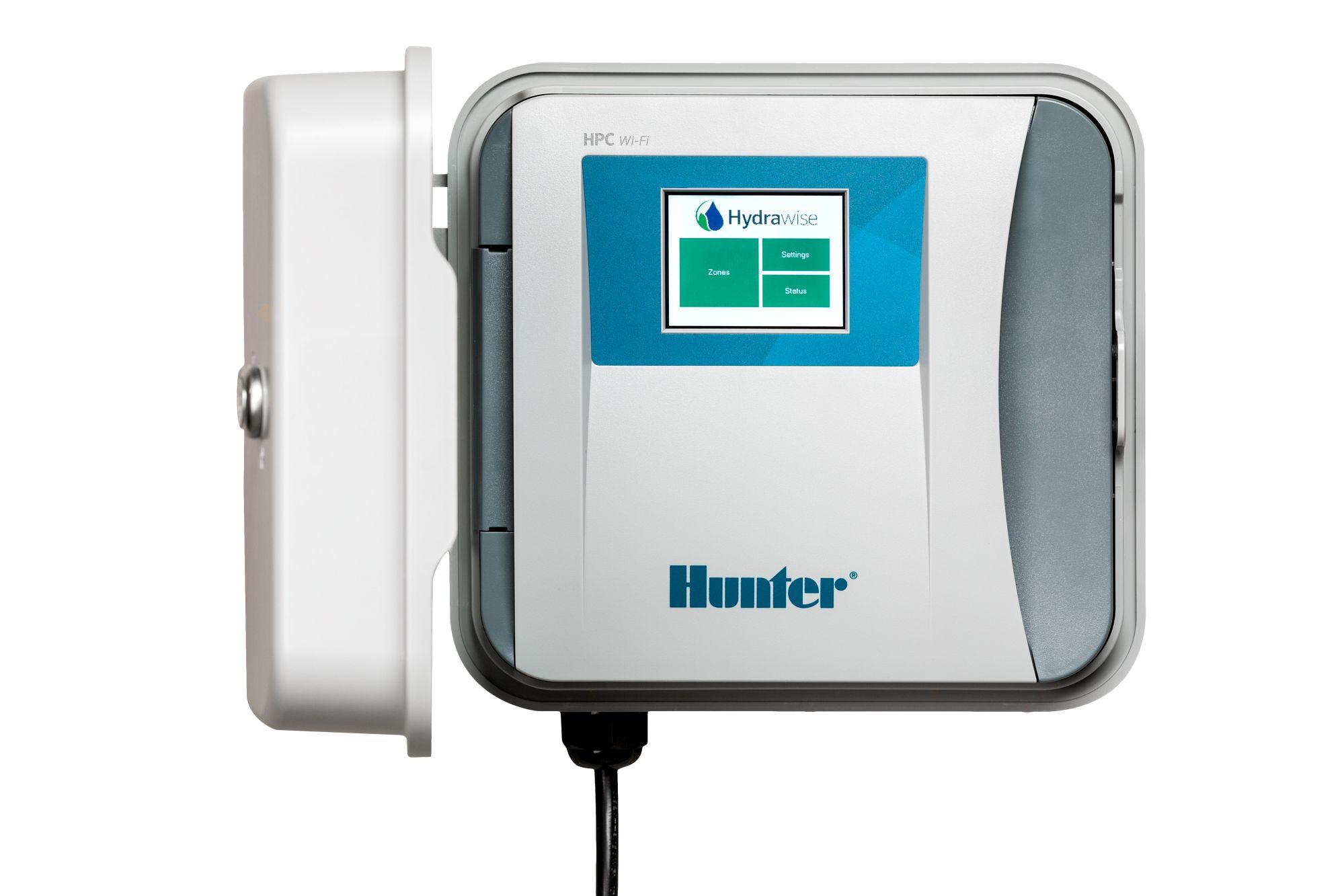 |
HCC: 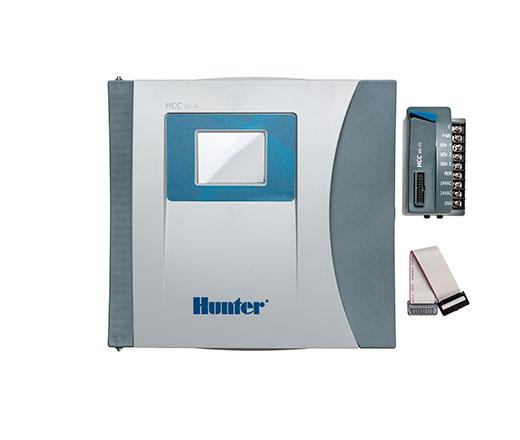 |
Features:
System Status Monitoring
- Watering history
- Current water (if active)
- Seasonal adjustments (Rain Bird only)
Control
- Rain Delay
- Turn on specific zones for a desired time
- Run Program (same as Run Schedule on Rachio)
- Put the Device in standby (Rachio only)
- Stop current watering
Note: The Alarm.com app does not support configuration of Rachio schedules, Rain Bird programs, weather settings, or offer a view of schedule history.