
Schlage Encode Smart Wi-Fi Deadbolt (BE489)
Quick facts
| Device Image | 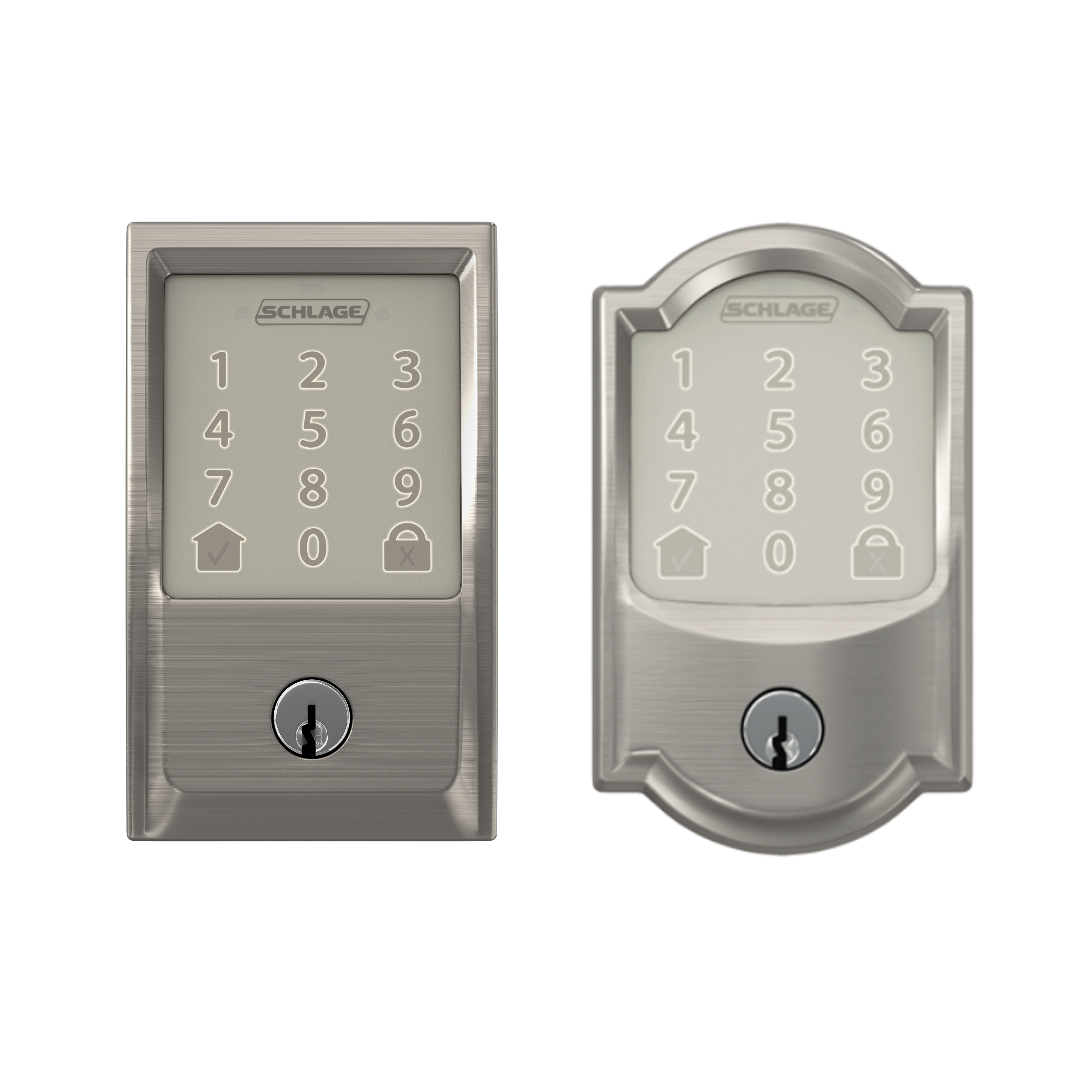 |
|---|---|
| Manufacturer | Schlage |
| User Code Limit | 100 (must be programmed manually) |
| Digits in User Code | 4-6 digits |
| Keypad Layout | 1 digit per button |
| Auto Re-Lock Option | No |
| Removable Z-Wave Card | N/A |
| Z-Wave Security 2 (S2) | N/A |
| Z-Wave SmartStart | N/A |
| Integration |
To integrate the Schlage Encode account using the Alarm.com customer website:
To integrate the Schlage Encode account using the Alarm.com app:
|
| Factory Reset |
Caution: Factory resetting the lock will remove all codes and virtual keys that have been programmed into the lock. These codes cannot be retrieved, so be sure to have the default codes available to re-program the lock. To view the default codes, see www.schlage.com/en/home/faq.html?id=131939.
To factory reset the Schlage Encode Smart Wi-Fi Deadbolt (BE489):
|
 .
.